The Hidden Frustration of Modern Smart Technology
Quick Takeaways: What You Will Learn Today
- Why trusting smart technology blindly is the biggest trap you can fall into.
- How to use the "Feedback Loop" to actually teach your devices your personal habits.
- Simple ways to spot when a machine is making up fake answers confidently.
- How to finally take control of your smart tools instead of letting them frustrate you.
Ever yelled at your smart speaker because it set an alarm for 3 AM instead of 3 PM? Yeah, me too. The truth is, most of us use smart tech every day without really knowing how it works—and that is exactly why it frustrates us. Let's fix that right now. I am going to show you how to stop letting your gadgets boss you around so you can actually get things done without the headache.
Every single day, regular people like you and me face unseen struggles with modern technology. We spend hours typing out long, repetitive emails, feeling completely exhausted by the time we hit the send button.
We miss highly important messages because they randomly get thrown into our spam folders without any clear reason. Meanwhile, our main inbox gets flooded with junk mail that distracts us from what actually matters.
This daily digital chaos ruins our mental peace and steals hours of our personal time. We start believing that we are just not "tech-savvy" enough to survive in today's world.
But the truth is, you are not the problem at all. The real issue is that nobody has ever explained how these invisible systems work in plain, simple English.
Breaking Down How Machines Actually Understand Us
Let us clear away all the confusion right now. You do not need a computer science degree to understand the magic happening inside your devices.
We are going to walk through the exact ways machines learn to read, listen, and talk just like a human being. By the end of this, you will know exactly how to make these tools work for you, rather than against you.
The Magic Behind Your Clean Email Inbox
Have you ever wondered how your email provider knows exactly which messages are junk? This is one of the oldest and most effective uses of machine text analysis.
Your email system does not just look at the sender's address. It actually reads the hidden context inside the message to protect you.
Think of this technology like a highly trained digital guard dog sitting at the front door of your inbox. The system scans incoming messages for specific patterns, like overly aggressive sales pitches or strange link structures.
If an email contains too many suspicious phrases like "Win Big Money Now" or "Urgent Account Update," the guard dog immediately flags it.
Pro Tip: I used to get so angry when my important work emails ended up in the spam folder. My biggest realization was that I needed to manually move them back to the main inbox and add the sender to my contacts. By doing this, I was actually training my email's smart filter to recognize what I personally care about!
This smart filtering saves you from constantly deleting dozens of fake messages every morning. It literally gives you back a huge portion of your productive day.
Are you a visual learner? Watch this short breakdown to see exactly how machines learn to read our words like a human being.
Traditional Filtering vs. Smart AI Filtering
To make things even clearer, let us compare how old computer systems worked against today's smart systems. It is quite fascinating to see the difference side by side.
As you can see, modern systems are far more flexible and adaptable to our daily needs.
Why Your Phone Magically Guesses Your Next Word
Let us talk about a feature you probably use hundreds of times a day without even thinking about it. Predictive text and autocorrect on your smartphone keyboard.
When this technology first came out, it was famous for making hilarious and embarrassing mistakes. But today, it is incredibly powerful.
The system inside your phone learns your specific writing style over time. It pays attention to the phrases you use most often with your friends and family.
If you always text your spouse, "I am on my way home," the phone remembers this specific pattern. After typing just "I am," it instantly offers you the rest of the sentence.
Myth vs. Reality: The Autocorrect Fear
The Myth: Many people believe that their phone is secretly recording their private conversations to guess their words. They think there is a spy hiding inside their keyboard app.
The Reality: Your phone simply uses basic probability and math. It acts like a highly organized librarian that remembers which words usually sit next to each other in a sentence. It learns your typing habits locally on your device, not by spying on your voice.
This smart guessing game helps us type much faster on small glass screens. It turns what used to be a frustrating chore into a smooth, effortless experience.
Talking to Smart Speakers and Voice Assistants
Voice recognition is probably the most impressive example of computers understanding human behavior. We regularly ask Siri, Alexa, or Google Assistant to check the weather or set a simple cooking timer.
But getting a machine to understand spoken words is incredibly difficult. Humans mumble, use slang, and speak with thousands of different regional accents.
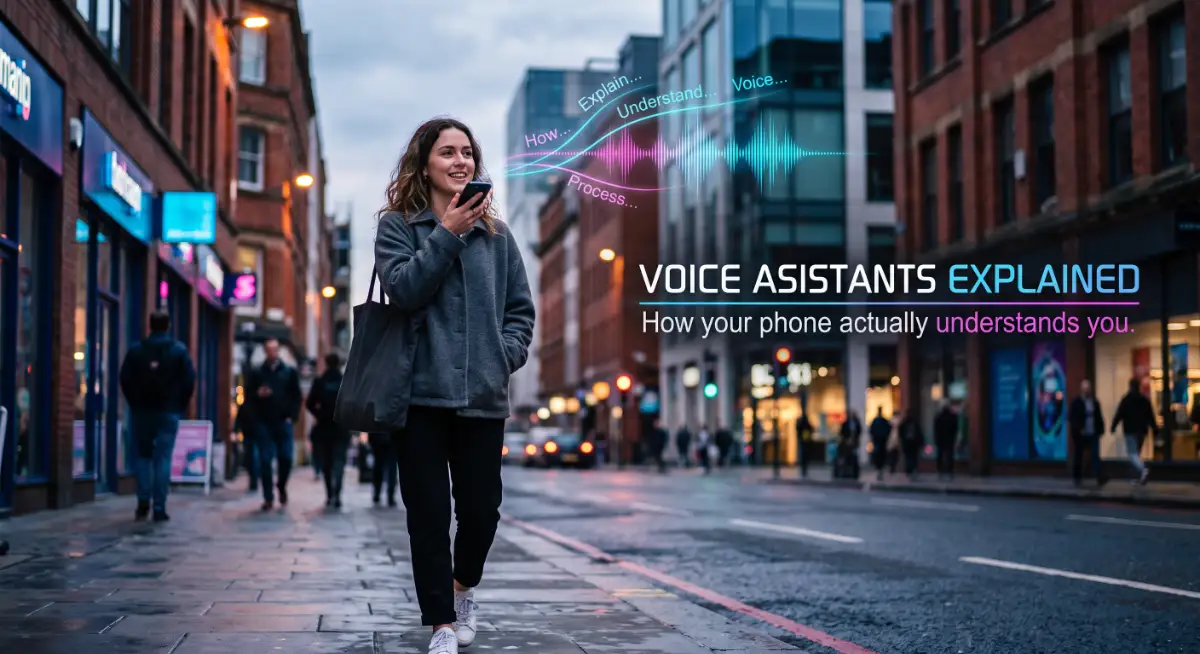
When you speak to a digital assistant, the device first turns your sound waves into written text. Then, it uses deep analysis to figure out the actual intent behind those words.
For example, if you say, "Do I need an umbrella today?" the machine knows you are not asking to buy an umbrella. It understands that you are asking if it will rain in your specific city.
This level of comprehension requires the machine to connect everyday phrases to real-world context. It is a brilliant mix of language rules and smart data searching.
Whenever your voice assistant completely misunderstands you, it is usually because of background noise or a brand-new slang word. The amazing part is that these systems collect these errors and use them to get better every single week.
Breaking Down Global Language Barriers
Traveling to a foreign country used to mean carrying a thick, heavy dictionary in your backpack. You would spend ten minutes just trying to order a cup of coffee.
Now, we have translation apps right in our pockets that work in real-time. This is another massive breakthrough in how machines process human language.
Old translation tools used to translate sentences word by word, which often resulted in total nonsense. If a phrase were an idiom, the machine would take it literally and confuse everyone involved.
Today's smart translators read the entire paragraph before they start changing the language. They look for the overall meaning and cultural context before delivering the final result.
If you use a common English phrase like "piece of cake," the system knows you are not talking about baked goods. It perfectly translates the idea of "something easy" into the local language of the person you are talking to.
This technology helps businesses grow internationally and helps everyday travelers feel safe in unfamiliar places. It connects humans on a global scale like never before.
The Rise of Helpful Customer Support Chatbots
We all remember the early days of robotic customer service chats on websites. They were completely useless, robotic, and could only answer a few basic questions.
If your problem was even slightly unique, the old chatbots would just spin in circles and annoy you. You would desperately type "speak to a human" over and over again.
These smart programs use advanced text reading skills to figure out exactly what is wrong with your account. They can instantly pull up your billing history, check shipping delays, and issue refunds without any human help.
When a machine handles all the basic, repetitive customer problems, human workers get a much-needed break. It allows real customer service agents to focus their energy on highly complicated issues that require genuine human empathy.
This creates a win-win situation for both the stressed-out customer and the overworked employee. You get your problem solved in seconds, rather than waiting on hold for forty-five minutes listening to terrible elevator music.
By taking the time to understand these invisible systems, you remove the fear of modern technology. You realize that these smart tools are simply here to act as your personal digital assistants, working quietly in the background to make your day run smoothly.
Mastering the Smart Tools That Run Our Daily Lives
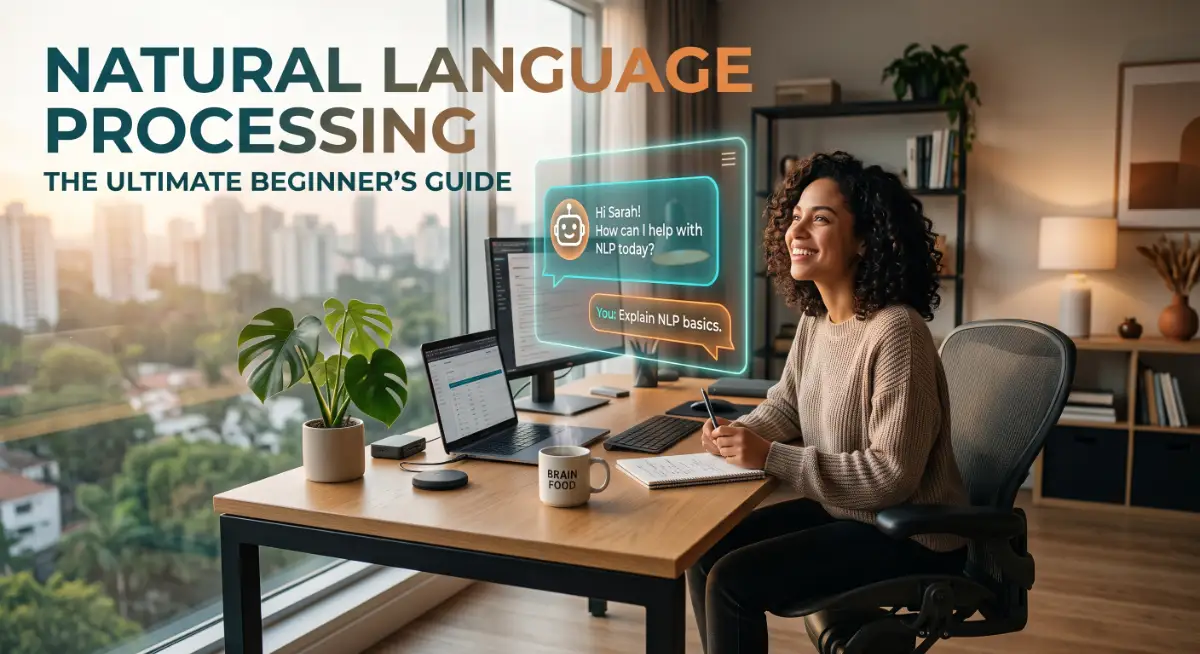
Now that you understand exactly how these invisible systems read and process human language, it is time to take full control. You do not have to be a computer genius to get the absolute best out of your smart devices.
By applying a few highly effective strategies, you can force these tools to work incredibly well for your specific needs. This is where we stop being confused users and start becoming confident managers of our own digital lives.
I want to share some incredibly practical secrets that will make your daily interactions with smart technology feel totally effortless. These are the exact methods professionals use to save countless hours every single week.
Treat Your Smart Assistant Like a New Intern
One of the biggest real-life secrets to mastering language processing tools is changing how you talk to them. Most people treat their digital assistant like a mind reader, expecting it to know exactly what they want with just three words.
If you tell a human intern, "Fix my schedule," they will look at you with total confusion. Your smart devices react the exact same way when you give them poor instructions.
Instead, you need to provide clear, detailed context every single time you speak or type a command. Tell the machine exactly what role you want it to play and what specific outcome you expect.
For example, instead of saying, "Write an email about the meeting," you should try something much more detailed. Say, "Act as my professional assistant and write a friendly email to John, thanking him for the Tuesday meeting about marketing strategies."
By giving the system specific boundaries and clear details, it instantly knows how to format the text perfectly. Researchers at the Stanford Artificial Intelligence Laboratory often explain that machines perform significantly better when they are given rich, descriptive context.
The "Feedback Loop" Secret for Perfect Results
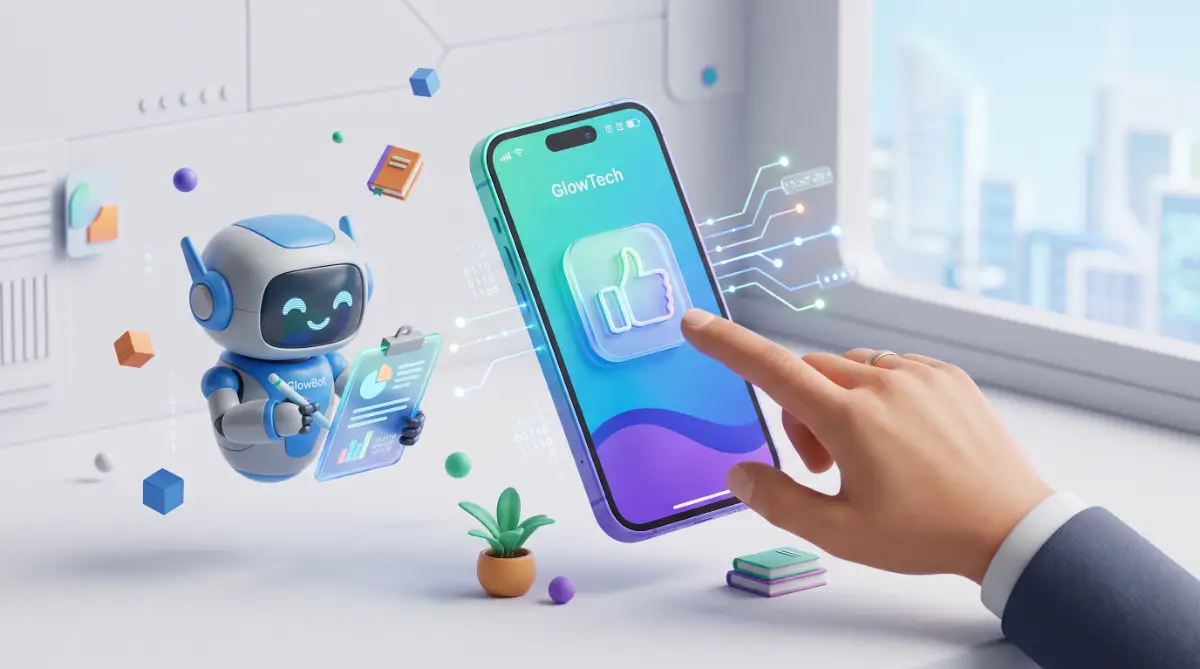
Smart technology is entirely built on the concept of continuous learning and adaptation. If you just accept a bad answer from a machine, you are actively training it to stay mediocre.
Whenever your phone's predictive text suggests a completely wrong word, take two seconds to delete it and type the right one. Your phone will register this correction and silently adjust its internal math for the next time.
My Personal Pro Tip: Treat your AI tools like a brand-new intern. If an intern hands you a bad report, you don't just throw it away—you tell them exactly what went wrong. Give your smart tools clear feedback, correct their mistakes right away, and watch how quickly they adapt to your personal style.
The same rule applies to smart chatbots or automated writing tools you use for work. If the bot gives you a robotic-sounding paragraph, do not just walk away in frustration.
Tell the bot, "That sounds too formal; please rewrite it in a conversational tone suitable for a personal blog." This simple correction creates a strong feedback loop that dramatically improves the final output.
Automate Your Personal Finances With Text Filters
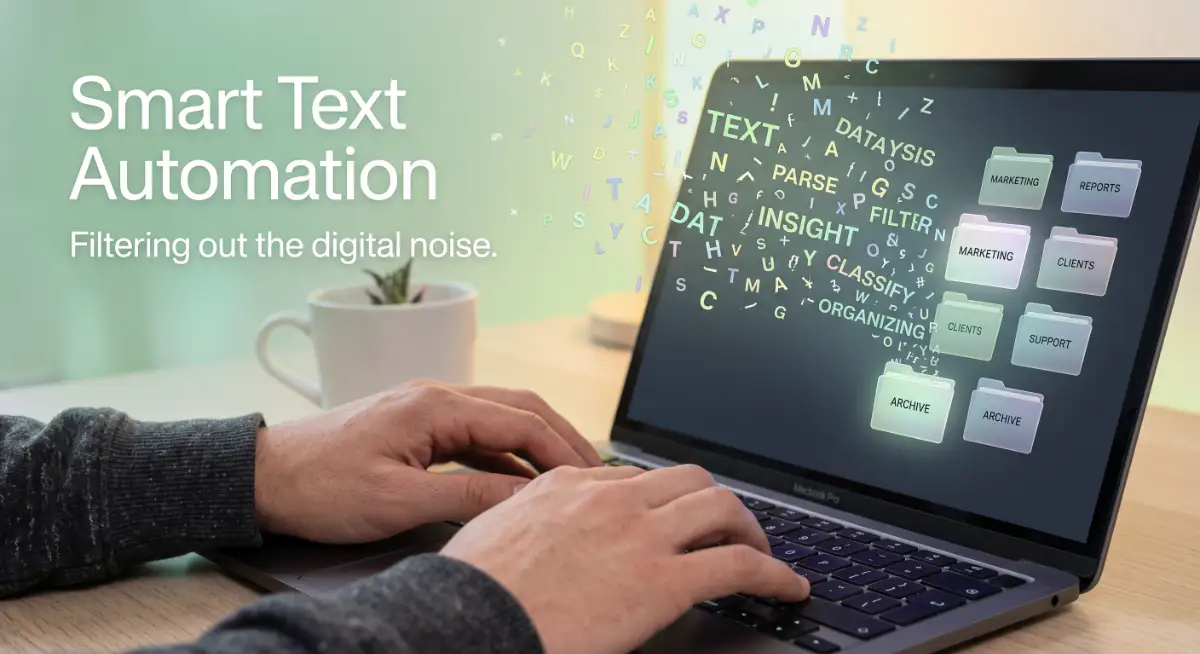
We talked earlier about how smart filters keep spam out of your email inbox. You can actually use this exact same technology to organize your entire financial life automatically.
By setting up smart rules in your email, you can command the system to look for specific words like "invoice," "receipt," or "monthly subscription."
You can instruct your inbox to grab any email containing these money-related words and instantly send them to a dedicated folder. This completely removes the headache of digging through thousands of promotional emails when it is time to check your monthly spending.
Taking advantage of this automated sorting gives you a clear picture of where your cash is going. It actually becomes one of those secret money habits that financially successful people use to stay organized without doing any extra work.
When you clearly see your spending neatly organized by your email filter, you can easily spot those small, sneaky habits draining your bank account. You will suddenly notice how many streaming services you are paying for but never actually watch.
Organizing Your Digital Workspace (Do's and Don'ts)
To make things incredibly simple to remember, I have put together a quick list of rules for managing your everyday text automation.
What You Should Always Do:
- Do use full sentences: Speak to your voice assistant using natural, complete sentences rather than barking single words at it.
- Do provide examples: When asking an AI tool to write something, show it a previous example of your own writing so it can copy your personal style.
- Do update your preferences: Regularly check the settings on your smart apps to ensure they have the correct information about your home address and daily routines.
What You Should Never Do:
- Do not use heavy sarcasm: Machines struggle heavily with human sarcasm and irony, so always be direct and literal with your commands.
- Do not rush your words: When using voice-to-text on your phone, speak at a normal, steady pace to give the processor time to catch every single syllable.
Expert Insight: I used to get so mad at my smart speaker when it played the wrong music playlist. My big realization was that I had named two different playlists with very similar words. Once I renamed them with highly distinct titles, the voice recognition software stopped getting confused entirely.
Leverage the Power of Smart Summaries
We are constantly bombarded with massive amounts of digital information every single day. Nobody actually has the free time to read every long article, terms of service document, or endless email chain.
This is where you can use text processing tools to become incredibly efficient at managing information. You can copy a long, boring document and ask a smart chatbot to summarize the main points in just three bullet points.
Let us say you are trying to learn how to build an emergency fund by reading complex financial guides. Instead of getting a headache from the difficult jargon, you can ask the machine to translate the entire article into plain, simple English.
This smart summarizing trick helps you learn new topics in half the time. It is a brilliant way to digest heavy information without feeling overwhelmed by a wall of text.
Experts studying computational linguistics at the ACL Anthology constantly publish research on how machines extract the most important sentences from massive documents. You can use this exact technology for free right from your web browser to make your reading time highly productive.
The Dangerous Traps of Relying Too Much on Machines
While these smart language tools are incredibly helpful, they are definitely not perfect human beings. In fact, if you use them blindly without paying close attention, they can cause some extremely serious problems in your life.
Many regular people fall into a few massive traps simply because they trust the technology way too much. We need to look closely at these hidden dangers so you can protect yourself and your personal reputation.
The Risk of Total Blind Trust
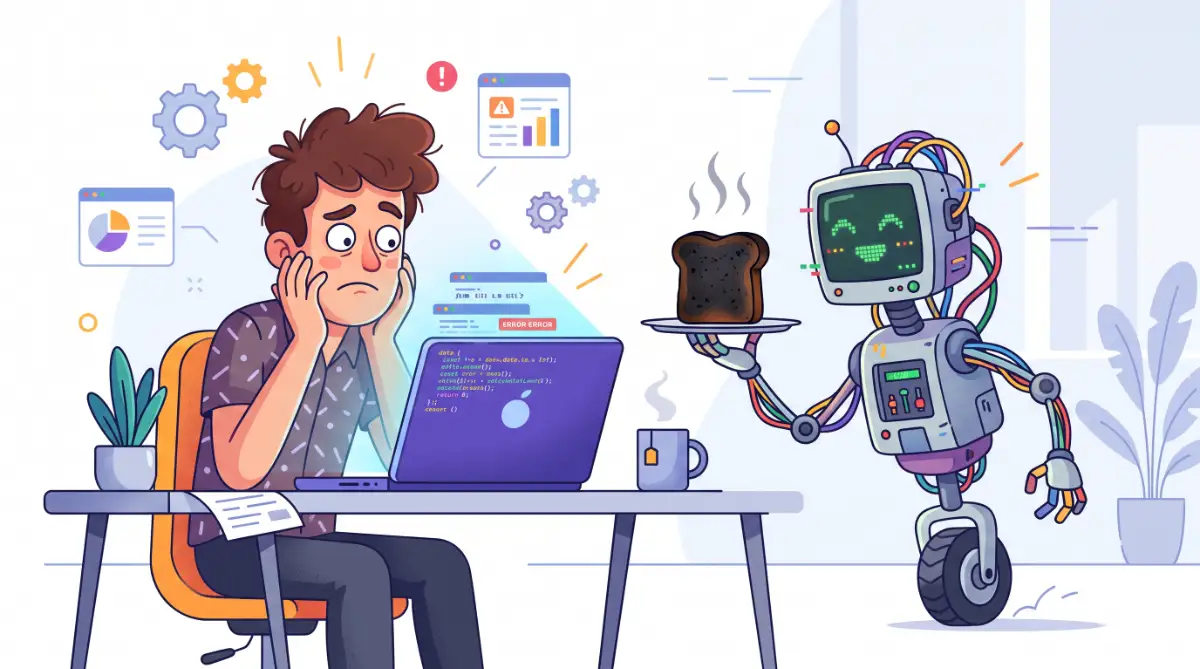
The absolute biggest mistake you can make is believing that a machine is always perfectly correct. We call this the "hallucination trap" in the technology world.
Myth vs. Fact: The "AI Knows Everything" Trap
- The Myth: Smart tools pull facts instantly from a giant, perfect library of internet truth.
- The Fact: They actually just predict the next best word, kind of like a super-powered autocorrect on your phone. They do not "know" facts at all. Always verify the info they give you!
Sometimes, when a language model does not know the actual answer to your question, it does not like to admit defeat. Instead, it will confidently make up a completely fake answer that sounds highly professional.
If you use a smart chatbot to research important health or legal information, you must double-check the facts yourself. There are actual horror stories of professionals submitting fake documents at work because they blindly copied what the machine wrote.
This level of blind trust can destroy your professional career overnight. Always remember that the machine is an assistant, but you are the final editor who holds all the responsibility.
Losing Your Authentic Human Voice
Another huge pitfall is allowing automated tools to write every single message for you. It is very tempting to let a machine reply to all your emails and text messages because it saves so much time.
But machines write in a very specific, overly polite, and somewhat boring pattern. If you send AI-generated messages to your friends and family, they will eventually notice that you sound like a polite robot.
Relationships are built on genuine human connection, awkward typos, and personal jokes. If you automate a birthday message to your mother, you are stripping away the very emotion that makes the message special.
Use these tools to help you outline heavy work tasks, but never let them completely replace your personal personality. Keep your human touch alive, especially when communicating with the people you actually care about.
The Hidden Privacy Nightmare
This is a danger that truly keeps cybersecurity experts awake at night. When you type personal information into a free online chatbot or smart text tool, that information does not just magically disappear.
Many of these systems actively save your conversations to help train their future software updates. If you casually paste a document containing your bank account numbers or private work details, you are essentially handing that data over to a third-party server.
Organizations like the Electronic Frontier Foundation constantly warn everyday users about the severe privacy risks of oversharing with artificial intelligence. You should always treat public AI tools like you are talking to a complete stranger on a crowded public bus.
If you accidentally leak sensitive company data, you could easily lose your job. Suddenly, you might find yourself facing the hidden dangers of one paycheck simply because you wanted a machine to format a private spreadsheet for you.
Always remove names, addresses, and financial numbers before you ask any online tool to help you rewrite a paragraph. Your personal privacy is worth way more than a few minutes of saved typing time.
Your Blueprint for a Smarter, Stress-Free Digital Life
Understanding how your devices actually process language is like turning on the lights in a dark, confusing room. You no longer have to feel intimidated when your phone predicts your words or your email sorts your messages automatically.
You have learned exactly how these invisible guard dogs work to keep your inbox clean and organized. You also know that your devices are not secretly listening to your conversations but simply using smart math to guess your habits.
More importantly, you now have the practical skills to give crystal-clear instructions to your digital assistants. You know how to train them, correct their mistakes, and use them to safely manage your daily tasks.
By avoiding the dangerous traps of blind trust and privacy leaks, you put yourself in a highly powerful position. You can use these incredible tools to free up hours of your time, allowing you to finally focus on enjoying your hard-earned cash and spending quality time with your family.
Instead of letting technology frustrate you, you have actively chosen to make it work strictly for your benefit.
My Personal Final Thought: I really want you to take just five minutes tomorrow morning to check the smart settings on your favorite phone app. When you finally stop fighting with technology and start treating it like a helpful assistant, your entire daily routine becomes incredibly peaceful and highly productive!
Common Questions About Smart Text Technology
Is my phone keyboard secretly recording my private conversations?
No, your phone keyboard is not secretly recording your voice to guess your words. It simply uses advanced probability math to remember which words you type most often next to each other. The learning happens locally right on your device based strictly on your typing history.
Why does my voice assistant completely misunderstand my commands?
Voice assistants often struggle with loud background noise, heavy regional accents, or completely new slang words. The microphone tries to match your sound waves to known text patterns, and any outside noise easily disrupts this delicate matching process.
Can I trust free chatbots to give me accurate medical or legal advice?
You should absolutely never trust a chatbot for serious medical, legal, or financial advice without checking the facts. These language models frequently guess answers and can confidently invent completely fake information that sounds highly professional.
How do smart email filters know what messages are dangerous spam?
Smart email filters read the actual context and sentence structure of incoming messages rather than just looking at the sender's name. They actively hunt for suspicious patterns, urgent emotional language, and tricky phrasing commonly used by online scammers.
What is the safest way to use public AI writing tools?
The absolute safest way is to never include personal names, private home addresses, or confidential work numbers in your prompts. Always strip out highly sensitive data before asking the machine to rewrite or summarize your text, keeping your private life totally secure.
Disclaimer: The information provided in this article is for educational and informational purposes only. It does not constitute professional tech support, financial advice, or legal counsel. Always be highly cautious when sharing personal data with third-party applications and consult certified professionals for specific security or financial concerns.
![The Secret To Preventing Unconscious Data Bias [Step-by-Step Blueprint]](https://fintiq24.com/storage/uploads/blogs/1787735139_the-secret-to-preventing-unconscious-data-bias-step-by-step-blueprint.webp)
![The Secret Email Management Blueprint [Step-by-Step]](https://fintiq24.com/storage/uploads/blogs/1787691875_the-secret-email-management-blueprint-step-by-step.webp)